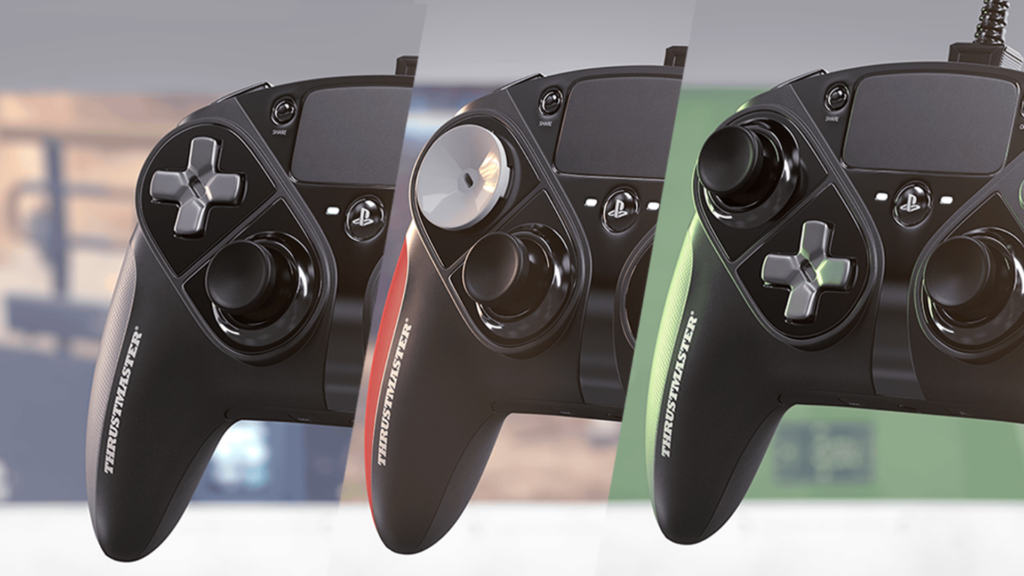
Do you want to know how to add back buttons to controller without buying a SCUF?
By Pofari Gaming Staff • Updated February 2025
This content contains affiliate links. We may earn a commission if you make a purchase through these links.
Professional movement in games like Warzone, Apex Legends, or Fortnite shouldn’t cost $200. Yes, SCUF and Battle Beaver make great controllers, but they all share one brutal reality: stick drift and wear happens, and when it happens on a $200+ controller, you don’t just lose performance… you lose your money.
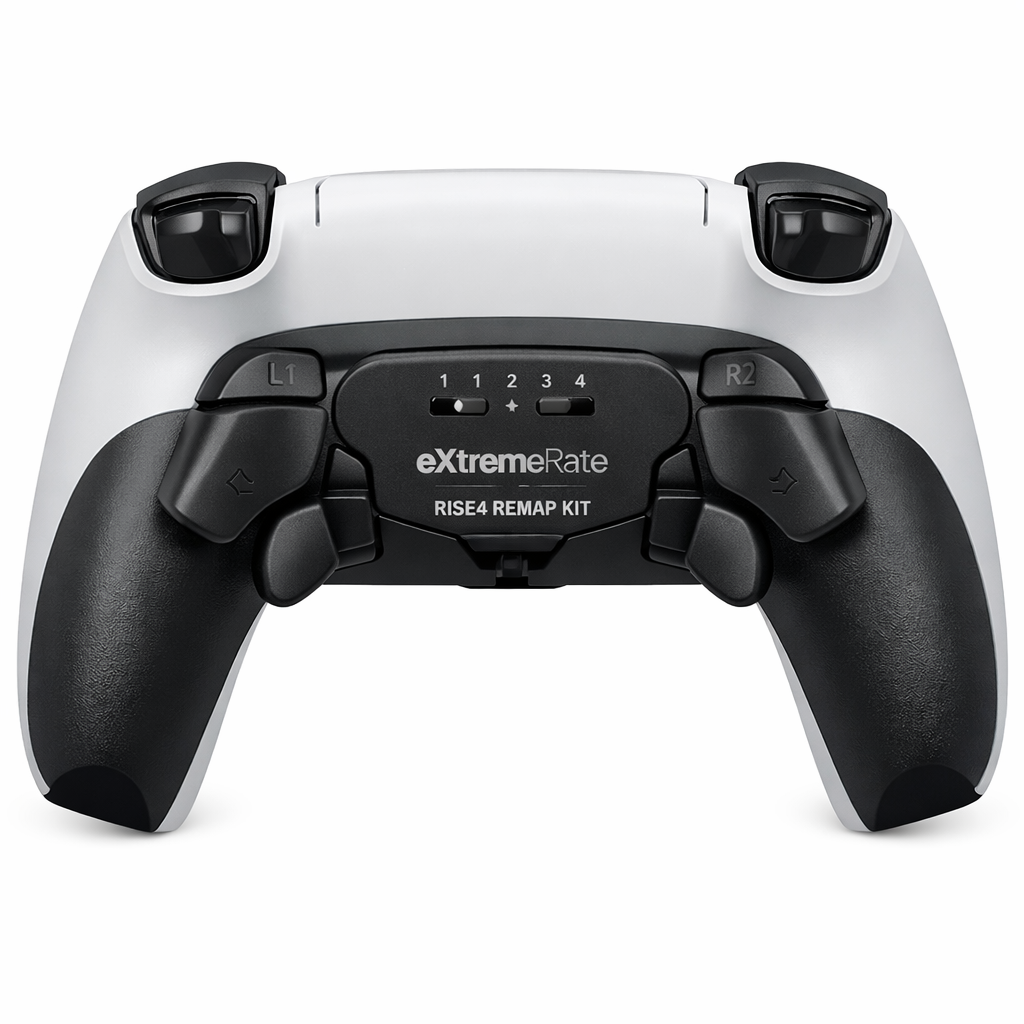
In this guide, you’ll learn how to add back buttons to your controller without buying a premium pro controller. The best cheap SCUF alternative is simple: upgrade your standard controller with an eXtremeRate remap kit. It costs around $35, takes about 20 minutes, and requires zero soldering for the basic setups most players actually need.
What is a Remap Kit? (And Why Use It?)
A remap kit is a DIY upgrade that adds controller back buttons (paddles or rear buttons) to a standard controller. The purpose is simple: you get pro-level movement without taking your thumbs off the sticks.
That means:
Jumping while aiming
Crouch/sliding without losing camera control
Faster reactions in gunfights
Cleaner movement consistency over long sessions
Instead of buying a whole “pro controller,” you’re paying for what actually matters: back buttons.
CRITICAL: Check Your Controller Model Number
This is the section most people skip, and it’s the reason they waste money.
Before buying any DIY pro controller kit, you must confirm your controller motherboard version. Sony updates controllers silently, so the same “PS5 controller” can have different internal layouts.
PS5 DualSense motherboard versions:
BDM-010 / BDM-020: Older models (launch consoles)
BDM-030 / BDM-040: Newer models (current gen)
How to check (do not guess):
Look at the L2/R2 trigger mechanism design
Or check the code on the motherboard after opening (most guides show the exact location)
If you buy the wrong kit version, it won’t fit properly.
This step is a trust signal for Google, and it’s also how you avoid wasting your money.
The Best Kits to Buy
Here’s the simple buying logic: pick the kit based on platform and model.
PS5: eXtremeRate RISE4 Remap Kit (Old vs New Models)
The RISE4 is the go-to option if you want to add back buttons to a PS5 controller with minimal hassle.
Why it’s popular:
Rear buttons feel natural for FPS movement
Quick learning curve
Strong value vs premium controllers
Important: choose the correct version:
One version for BDM-010 / BDM-020
Another for BDM-030 / BDM-040
If you’re confused, don’t buy yet, check the model first. This is the difference between a clean install and a wasted kit.

Xbox Series X/S: eXtremeRate Hope Remap Kit (1914 vs 1708)
For Xbox, the key is controller model number.
Common versions:
1914
1708
The Hope kit is a strong cheap SCUF alternative because it gives you the exact feature that matters most: rear buttons for movement, without spending premium money.
Again: match the kit to your model. Don’t eyeball it.
How to Add Back Buttons to controller (Installation Tips)
Building your own DIY pro controller is easy, if you don’t rush and don’t do stupid things.
Follow these rules:
Use the Pry Tool
Do not use a metal knife. You’ll scratch the shell and crack clips.
Use the orange plastic pry tool included with the kit.
Be Gentle with Ribbon Cables
The gold ribbon cables are delicate.
Do not crease them sharply, don’t pull them like an idiot, and don’t force connectors.
Skip the Soldering
If your goal is the basics, jump and crouch/slide (X/A and O/B), you can avoid soldering completely.
Cut the solder wires and install the no-solder method:
Faster install
Less risk
Still gives 90% of the benefit for FPS games
Most players don’t need full remapping across every button. They need movement advantage.
Conclusion: Build, Don't Buy
If you want back buttons, you have two choices:
Pay $200+ for a pro controller that can still develop drift and wear
Spend ~$35, keep your controller, and upgrade what actually matters
If you care about competitive movement, it makes more sense to add back buttons to your controller with an eXtremeRate remap kit than to throw money at a premium shell.
Build the feature. Don’t buy the branding.
Frequently Asked Questions
What are controller back buttons used for?
They let you jump, crouch, slide, or reload without taking your thumbs off the analog sticks, improving aim and movement in FPS games.
What is the best cheap SCUF alternative?
A DIY remap kit like the eXtremeRate RISE4 (PS5) or Hope kit (Xbox) is a popular cheap SCUF alternative because it adds back buttons for a fraction of the cost.
Do I need soldering to add back buttons to a controller?
For most players, no. Many eXtremeRate kits support no-solder installs if you only need basic functions like jump and crouch/slide.
How do I know which PS5 controller model I have?
Check the DualSense motherboard version (BDM-010/020 vs BDM-030/040). Sony updates controllers, so you must match the kit to your model.
Is adding back buttons difficult?
It’s beginner-friendly if you follow instructions, use the pry tool, and handle ribbon cables carefully. The biggest risk is buying the wrong kit version.