Controller Input Lag on PC? 7 Fixes to Try Before You Buy a New One
By Pofari Gaming Staff • Updated March 2025
This content contains affiliate links. We may earn a commission if you make a purchase through these links.
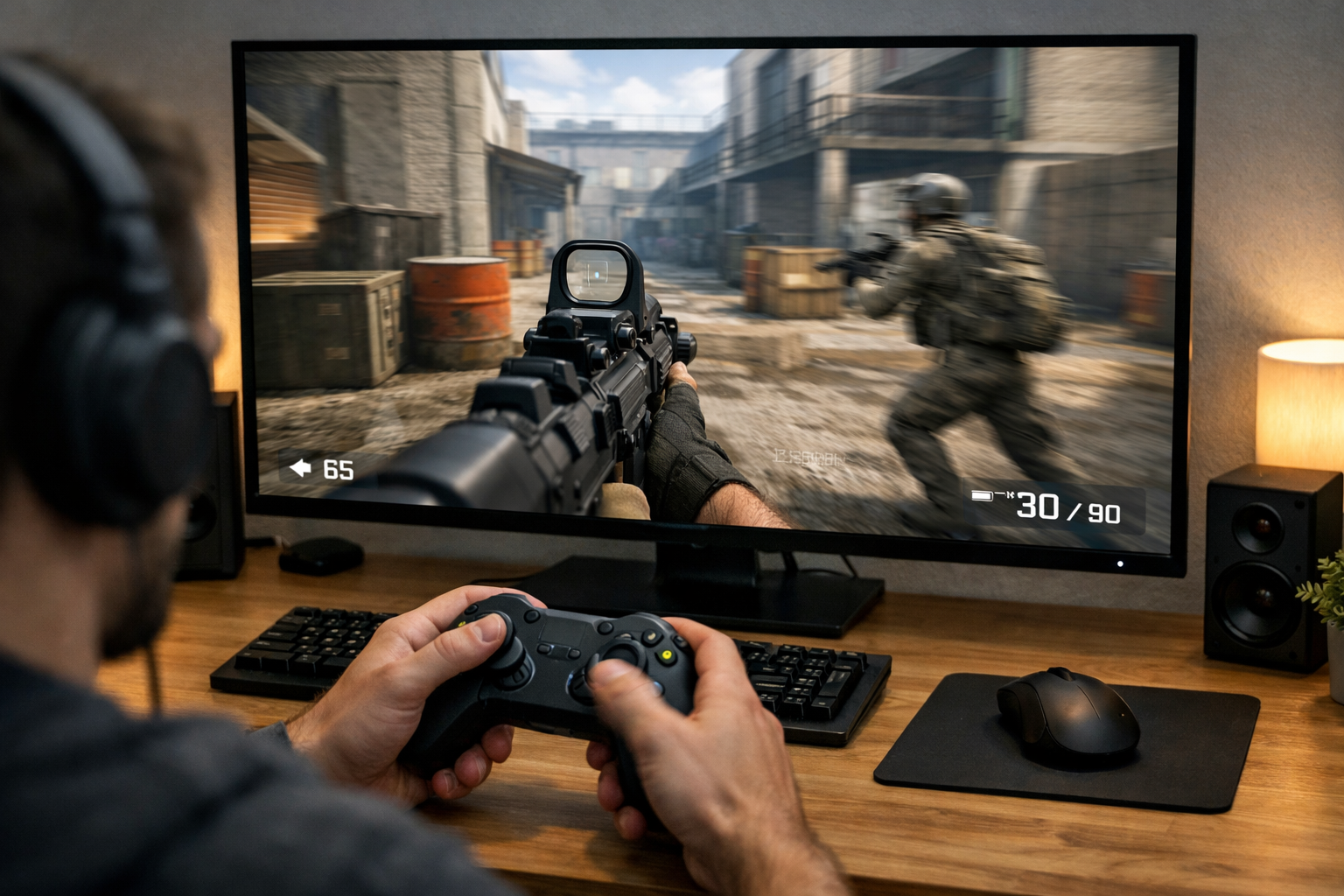
Your controller feels slow.
You press a button, and the action happens just a fraction too late.
That’s controller input lag on PC, and it’s more common than most people think.
But here’s the important part:
👉 It’s not always your controller.
Before you waste money replacing hardware, you need to understand what’s actually causing the delay, because in many cases, the fix is simple.
What Controller Input Lag on PC Actually Feels Like
Input lag is not the same as stick drift or deadzone.
Input lag feels like:
delayed jumps or shots
sluggish movement
actions happening slightly after your input
Stick drift = movement without input
Deadzone = input not registering until pushed further
Input lag = everything feels late
Why Does My Controller Have Input Lag on PC?
There isn’t one single cause.
The delay can come from:
Steam Input conflicts
Bluetooth connection
Game settings
V-Sync and display latency
Deadzone configuration
Background software
That’s why guessing doesn’t work.
You need to isolate the problem.
Fix #1 — How to Test Controller Input Lag on PC
Before changing settings, test the issue.
Try:
a different game
a controller testing tool
plugging in via USB
If the lag disappears, the issue is not hardware.
This step prevents you from fixing the wrong thing.
Fix #2 — Check Steam Input and Background Software
Steam Input is one of the biggest causes of hidden delay.
It adds a translation layer between your controller and the game.
Disable Steam Input and test again.
Official guide:
https://help.steampowered.com/en/faqs/view/3E3D-BE6B-787D-A5D2
Also check:
DS4Windows
reWASD
overlays
Multiple layers = more delay.
Fix #3 — Does Bluetooth Cause Controller Input Lag on PC?
Yes, but not always.
Bluetooth introduces:
higher latency
potential interference
unstable polling
Compare:
Wired → lowest latency
2.4GHz dongle → very good
Bluetooth → most inconsistent
If your controller feels delayed, test wired first.
Fix #4 — Update Firmware, Drivers, and Connection Settings
Outdated firmware can cause inconsistent input.
Check:
controller firmware
USB drivers
Bluetooth drivers
Reconnect your controller and try different USB ports.
Steam troubleshooting:
https://help.steampowered.com/en/wizard/HelpWithGameIssue/?appid=353370&issueid=362&nodeid=30&return_nodeid=20
Fix #5 — Check Your Display and V-Sync Settings
Sometimes the delay isn’t from the controller at all.
It’s your display.
Check:
V-Sync → adds input delay
TV vs monitor → TVs have higher latency
Game mode enabled
You might be fixing the wrong problem.
Fix #6 — Can Deadzone Make a Controller Feel Delayed?
Yes.
A large deadzone makes input feel unresponsive.
Your movement only starts after pushing the stick further.
This feels like input lag, but it isn’t.
Lower your deadzone and test again.
Fix #7 — Rule Out a Hardware Problem
If nothing works:
test another controller
try on another PC
check for wear
Sometimes the issue really is hardware.
When Buying a New Controller Actually Makes Sense
If you’ve tested:
wired vs wireless
software conflicts
display latency
…and the problem is still there, then upgrading makes sense.
Controllers to Try If the Problem Is Hardware
GameSir G7 SE (Best Wired Option)
 Buy on Amazon
- Zero wireless latency
- Hall Effect sticks
- Plug and play
8BitDo Ultimate 2 (Best Wireless Option)
1000Hz polling
Stable wireless
Low latency
EasySMX X05 Pro (Best Budget Option)
Affordable
Solid performance
Multi-platform
Final Verdict
If your controller feels delayed on PC, don’t rush to replace it.
Most of the time:
it’s software
it’s connection
or it’s display settings
Test first.
Fix the real problem.
Then upgrade if needed.
Frequently Asked Questions
Why does my controller have input lag on PC?
It can be caused by Bluetooth latency, Steam Input, display settings, or software conflicts.
How to test controller input lag on PC?
Try different games, switch to wired mode, and use controller testing tools.
Does Bluetooth cause controller input lag on PC?
Yes, Bluetooth can introduce higher latency compared to wired or 2.4GHz connections.
Can deadzone make a controller feel delayed?
Yes, large deadzones delay input response and feel like lag.
Is wired always better than wireless for controllers?
Wired connections provide the lowest latency and most consistent performance.