How to Make Mouse Glide Faster: The $20 Glass Upgrade (Better Than New)
By Pofari Gaming Staff • Updated February 2025
This content contains affiliate links. We may earn a commission if you make a purchase through these links.
Does your aim feel inconsistent lately? If you’re trying to make mouse glide faster but it still feels like you’re dragging your mouse through mud, the problem is almost never your mouse’s weight, it’s friction.
Most gamers keep doing the same useless cycle, they wash the mousepad, it feels “okay” for a few days, then the heavy drag comes back. That’s because the real issue is underneath your mouse.
f you want a permanent fix, stop treating the symptom and remove the cause, swap stock feet for glass mouse feet and the glide changes instantly.
Why Your Mouse Feels Heavy Moving (It’s Not the Weight)
Even a 60g ultralight mouse will feel heavy if friction is high.
Standard PTFE (Teflon) feet are soft, over time they pick up microscopic scratches from dust and grit on your pad, those scratches act like brakes. The result is that “sticking” sensation when you try to do tiny micro adjustments, your hand wants to correct, the mouse resists, your crosshair overshoots, then you compensate again.
So no, you don’t need a lighter mouse, you need a harder surface that doesn’t scratch the same way.
The Fix: Upgrade to Glass Mouse Feet (Make Mouse Glide Faster)
Imagine sliding an ice cube across your desk, that’s what aluminosilicate glass feels like on a pad.
Glass reduces static friction to near zero, meaning the mouse “breaks free” instantly when you start moving it, and it stays consistent across fast flicks and slow tracking. This is why glass feet feel like a cheat code, your mouse suddenly feels wireless, weightless, and sharper than the day you unboxed it.
This upgrade is also brutally cost effective. You can waste money chasing a new mouse, or you can remove the friction that’s sabotaging the mouse you already paid for.
CRITICAL: Check Your Mouse Model
Before you buy anything, match the feet to your exact mouse model. Glass is rigid, it does not bend, if the shape is wrong, the fit is wrong, and you’re going to hate the result.
Logitech users, the G Pro X Superlight 1 and Superlight 2 use different shapes, check the ring around the sensor before you order.
Razer users, Viper Ultimate feet do not fit the Viper V2 Pro, don’t guess.
Universal solution, if you have an unknown brand, search for “Universal Dot Glass Feet”, dots fit basically anything because you control placement.
The Best Mouse Feet Replacement
You’re here for the fastest fix, so pick the option that matches your mouse and stop overthinking.
Pulsar Super Glides v2
If you want the classic glass glide experience, this is the simplest win, less stickiness, cleaner micro-adjustments, so grab the Super Glides v2 for your exact mouse model.
Universal Glass Feet SUPERGLIDE
This is the safe pick if you’re unsure about compatibility, it fits basically any mouse, so get universal dot glass feet and install them in minutes.
Logitech G X Pro Superlight 1
Only buy model-specific feet if you confirm the exact version, so if you’re on Superlight 1, choose the Superlight 1 glass feet kit.
Logitech G X Pro Superlight 2
Match the exact Superlight 2 version, the shape matters, so choose the Superlight 2 glass feet kit for instant low-friction glide.
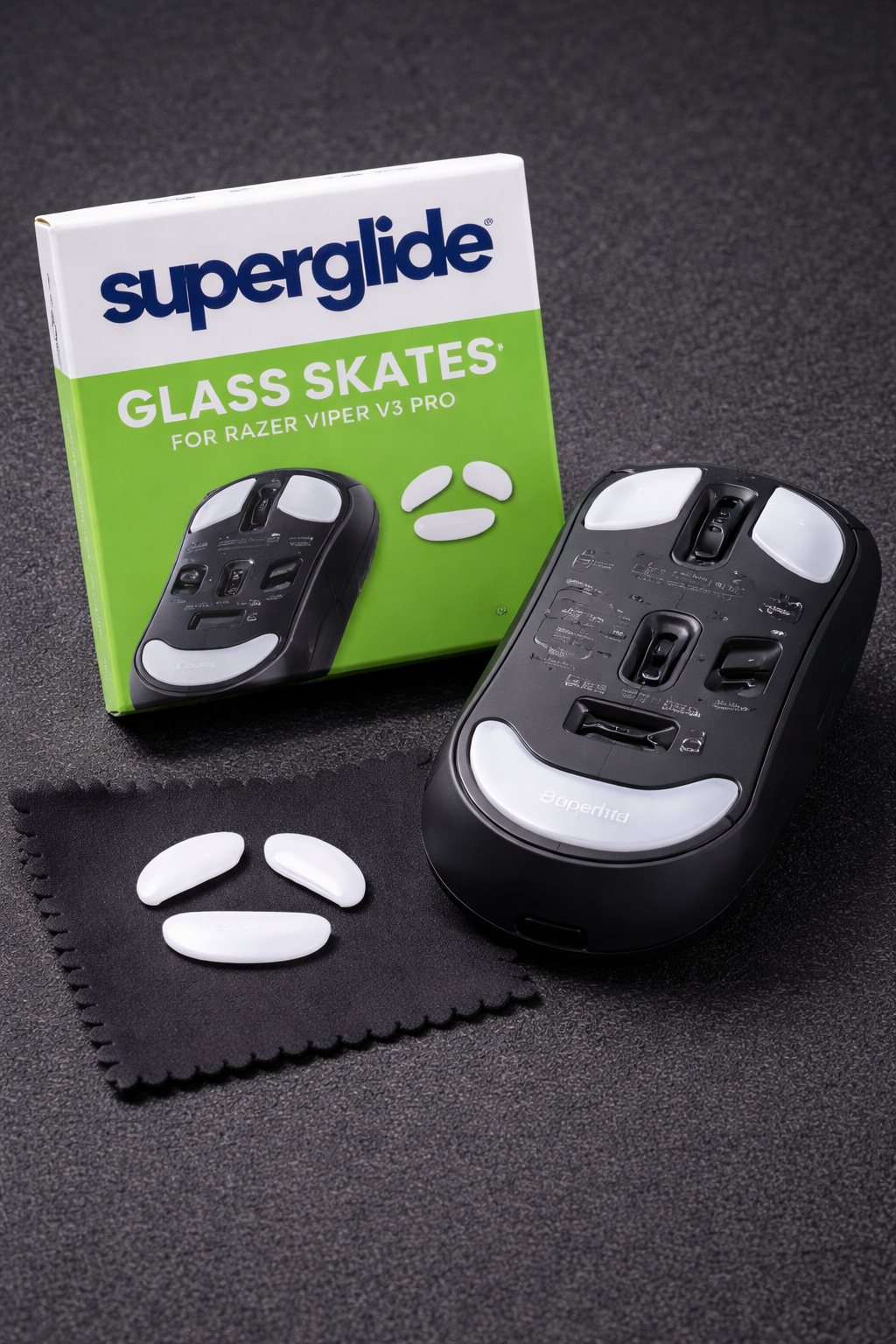
RAZER Viper V3 Pro
If it’s your mouse, go model-specific, so get the Viper V3 Pro glass feet kit and upgrade your glide instantly.
How to Install (Don’t Break Them)
Heat, use a hair dryer for 30 seconds on the old feet to loosen the glue.
Clean, remove all sticky residue with alcohol wipes, if the surface isn’t flat, the glass will wobble and feel awful.
Stick, place the glass gently, don’t press hard, let the adhesive settle for a few minutes.
Best overall upgrade:
Best budget:
Best for Logitech users:
Best for Razer users
Frequently Asked Questions
Why does my mouse feel heavy moving even if it’s lightweight?
Because friction is high, worn PTFE feet develop micro scratches and “stick” on the pad, making movement feel heavy.
Do glass mouse feet really make your mouse glide faster?
Yes, glass reduces static friction dramatically, so the mouse starts moving instantly and stays consistent during tracking and flicks.
Are glass mouse feet better than replacing or washing a mousepad?
For a permanent change, yes, washing a pad is temporary, the feet are usually the real bottleneck when glide keeps getting worse.
How do I know which glass feet fit my mouse?
You must match the exact mouse model and version, if you’re unsure, universal dot glass feet are the safest option.
Can glass mouse feet damage my mousepad?
On most pads they’re fine, but on very soft cloth pads you may see faster wear over time, keeping the pad clean reduces risk.